
Your AI Feature Works. Your Users Don't Trust It. Here's Why.
The gap between "it's accurate" and "I believe it" is wider than you think — and entirely your fault to close

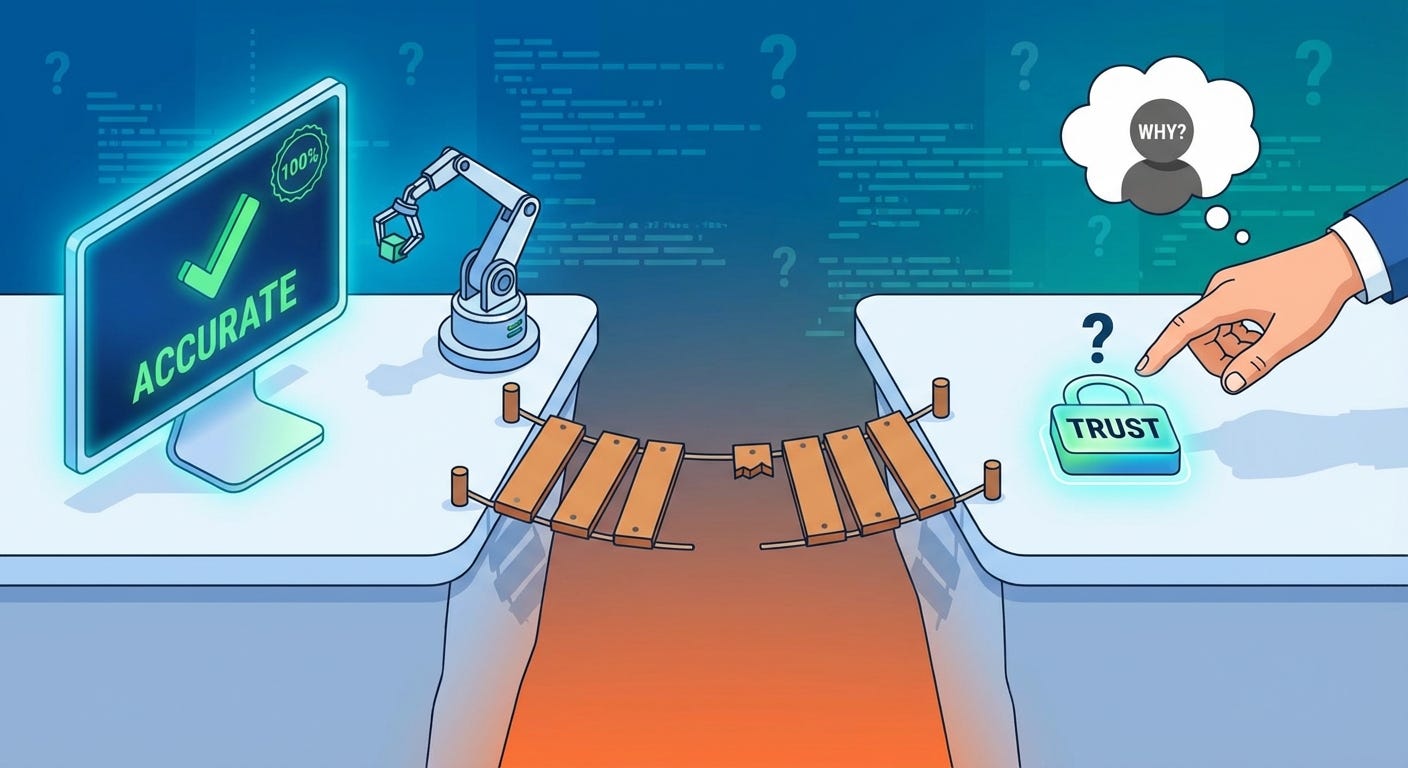
You ran the evals. The accuracy numbers are solid. You tested it across hundreds of inputs, edge cases included. The thing works.
So why are users still copying the output into Google to double-check it?
This is the quiet crisis inside a lot of AI products right now. Not the hallucination problem — that one’s visible, reported, and being worked on. This one’s subtler. Your feature is producing good outputs and users are treating it like it might be lying. They’re using it with one hand and verifying with the other. The trust gap is real, it’s measurable in behavior, and it has almost nothing to do with whether your model is accurate.
It has everything to do with how you built around it.
Accuracy and Trust Are Not the Same Variable
This is the part most developers miss because it feels like it shouldn’t be true.
We’re engineers. We optimize for correctness. If the output is correct, the job is done. Trust follows naturally from performance — that’s how every other piece of software works. A calculator that gets the right answer gets trusted. A sort function that sorts correctly gets trusted. Why wouldn’t an AI feature that produces accurate results get trusted?
Because users can’t verify AI outputs the way they verify everything else.
With a calculator, the check is instant and obvious. Type 12 × 14, see 168, compare to your mental estimate, trust confirmed. With a sorted list, you can see it’s sorted. With an AI summary, a recommendation, a generated draft — the verification cost is high, sometimes as high as just doing the thing yourself. Users know this. So they don’t fully trust outputs they can’t cheaply verify, regardless of how accurate those outputs actually are.
Accuracy is a property of your system. Trust is a property of your user’s mental model of your system. You control the first one directly. The second one you can only influence — through design, through transparency, through behavior over time.
Most AI products are putting 95% of engineering effort into accuracy and 5% into the signals that build the mental model. That’s the gap.
The Verification Instinct
There’s a specific behavior worth studying in session recordings if you have them.
Users get an AI output. They read it. Then they open a new tab.
Not because the output was wrong. Not because it seemed off. Just because they’re not sure, and the cost of being wrong matters to them. So they check. Every time. It becomes a ritual — use the AI feature, then verify it exists in the real world.
This behavior tells you something important: the user is treating your feature as a first draft, not a source. That’s not necessarily fatal — some features are genuinely first-draft tools. But if you built a feature meant to save time, and users are spending that saved time verifying the output, you haven’t saved them anything. You’ve just moved the work.
The verification instinct is rational. Users got burned enough times by AI outputs — across enough products, not just yours — that they generalized. Now they bring that skepticism to every AI feature they touch. The question is whether your product gives them reasons to gradually relax it, or whether your design accidentally reinforces it.
Most products accidentally reinforce it. Here’s how.
How Your Design Is Signaling “Don’t Trust Me”
You probably didn’t intend any of this. That’s what makes it hard to catch.
You show confidence you haven’t earned. The output appears fully formed, no caveats, no uncertainty markers, stated as fact. For a user who’s been burned before, that confidence reads as a red flag, not a reassurance. They’ve seen confident AI outputs be wrong too many times. Unearned confidence is now a negative signal.
You hide the reasoning. The answer appears but the path to it doesn’t. Users can’t see what information was used, what was weighted, what was ignored. That’s a black box. People don’t trust black boxes with things that matter to them. They especially don’t trust black boxes that speak in complete sentences.
Your error states are invisible. When your feature is uncertain, or working with incomplete information, or operating outside its reliable range — does the UI reflect that? Or does it produce the same confident output regardless? If users can’t tell when to trust you less, they default to trusting you less always. Uniform confidence is indistinguishable from overconfidence.
You designed for the happy path. The success state is polished. The uncertain state, the low-confidence state, the “here’s what I don’t know” state — those got a 30-minute sprint at the end. Users notice this asymmetry. A product that handles failure gracefully signals that someone thought carefully about the whole experience. A product that only handles success well signals that someone was more interested in impressiveness than reliability.
You never told them how it works. Not the technical details — nobody wants those. Just enough to build a mental model. What does it know? What doesn’t it know? What’s it good at and what should they not use it for? The absence of this information doesn’t make users assume the best. It makes them assume the worst.
Trust Is Built in the Failure Moments
Here’s the counterintuitive part.
Users don’t build trust in AI features when everything goes right. They build trust — or lose it permanently — in the moments when something goes wrong or uncertain.
Think about the people you trust most in your professional life. You probably trust them not because they’ve always had the right answer, but because you’ve seen how they handle being wrong. They say “I don’t know.” They flag uncertainty before you step on it. They tell you when they’re outside their area. That behavior is more trust-building than a hundred correct answers, because it tells you their confidence is calibrated. When they are confident, it means something.
Your AI feature can do the same thing. But only if you design for it deliberately.
“I’m not confident about this — here are two possible answers” is more trustworthy than one confident answer that might be wrong. “This is based on data from 2023, verify if recency matters” is more trustworthy than presenting information with no provenance. “I can help with the structure but you should fill in the specifics” is more trustworthy than generating everything and hoping for the best.
These aren’t weaknesses. They’re calibration signals. They tell users that when your feature is confident, that confidence means something. That’s the foundation trust is actually built on.
The Compounding Problem
Individual trust is hard enough. But you’re also fighting compounding.
Every time a user verifies your output and finds it correct, they get a small trust deposit. Every time they verify and find it wrong — or find the output was subtly misleading, or confidently incomplete — they get a larger trust withdrawal. The asymmetry is brutal. It takes roughly five correct interactions to recover from one bad one, and that’s if the user even sticks around.
Most don’t. They don’t complain, they don’t submit bug reports. They just quietly switch to the verification ritual and stay there. They use the feature less over time, or they use it only for low-stakes tasks where being wrong doesn’t matter. You see it in the analytics — engagement that starts high and slowly flattens, or use cases that drift toward trivial.
That’s not a retention problem. That’s a trust deficit expressing itself in behavior.
How You Actually Close the Gap
None of this requires rebuilding your model. It’s product work, not ML work.
Show your work selectively. Not always, not exhaustively — just enough that users can see the thread between input and output. “Based on your last three entries...” or “Pulled from the document you uploaded...” costs almost nothing to add and significantly raises perceived reliability.
Calibrate your confidence visually. High-confidence outputs look one way. Lower-confidence outputs look different — not broken, just clearly flagged. Users who learn your confidence signals can act on them. Users who can act on your signals stop blanket-distrusting you.
Design the uncertain state as carefully as the success state. What does your feature do when it doesn’t have enough information? When the question is outside its range? When two answers are equally defensible? Those states need design, copy, and thought. Right now most of them have a loading spinner and a best guess.
Let users give feedback at the output level. Not a thumbs up/down buried in settings — right there, inline, on the output. Users who can flag bad outputs feel in control. Users who feel in control trust more. The feedback also tells you where your real accuracy problems are, which is a bonus.
Build trust before you need it. Onboarding is the best time to demonstrate calibration. Show a case where the feature expresses uncertainty correctly. Show what a low-confidence output looks like. Set the mental model before the first real use, not after the first bad experience.
The Bottom Line
Your accuracy problem and your trust problem are different problems with different solutions. Solving one does not solve the other.
Users don’t experience your eval metrics. They experience the interface you built around your model. And right now, most interfaces are accidentally optimized for impressiveness at the expense of believability.
The good news is that trust compounds in both directions. Start earning it deliberately, and it accumulates faster than you expect. Users who decide to trust a tool really trust it — they stop verifying, they use it for higher-stakes tasks, they tell other people about it.
That’s the version of your product you built the AI for. The interface just has to stop getting in the way.