
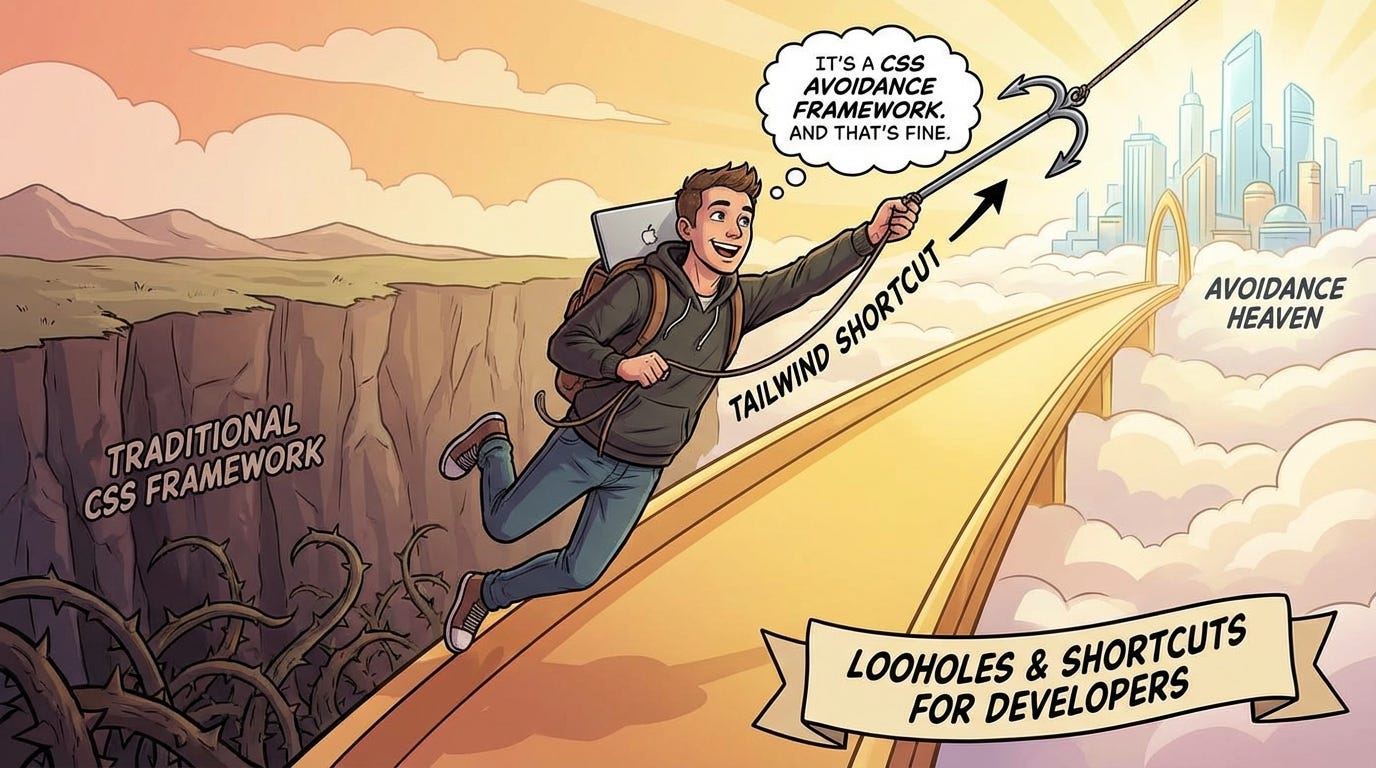
Tailwind isn't a CSS framework. It's a CSS avoidance framework. And that's fine.
CSS Edition

Here’s a sentence that will get me ratio’d on Twitter: most Tailwind developers don’t know CSS.
Not “aren’t good at CSS.” Don’t know it. They know flex, items-center, gap-4. They know how to scan a Tailwind docs page. They’ve shipped real products, fast, that look great. And if you took Tailwind away and asked them to vertically center a div using a plain stylesheet — nothing. Blank stare. Maybe a Google search. Maybe Stack Overflow. Maybe just position: absolute; top: 50%; transform: translateY(-50%) copy-pasted from somewhere, no idea why it works.
I’m not dunking. This is a natural outcome of what Tailwind actually is — and we’ve been too polite to say it clearly.
Tailwind is not a CSS framework. It’s a CSS avoidance framework. That’s not an insult. It’s just accurate. And once you see it, you can’t unsee it.
What Tailwind actually is
The utility class idea isn’t new. Atomic CSS has existed for years. The actual innovation in Tailwind is constraint.
Instead of writing whatever CSS you want, you pick from a curated menu. Spacing on a 4px scale. A fixed color palette. Typography on a defined scale. p-4 is always 1rem. text-gray-500 is always that gray. The menu doesn’t change.
That constraint solves a real, painful, expensive problem: five developers writing five different grays, three different spacing scales, and two different opinions on what “large padding” means. Tailwind says: here’s the system, use it, fight over something else.
But notice what problem that actually is. It’s a consistency problem. A design system problem. Not a CSS problem. Tailwind is a design token system with a utility API bolted on — and when we mistake it for a CSS education, things quietly go sideways.
Where it genuinely wins
Before the tradeoffs, let’s be honest about the wins — because the Tailwind discourse is usually bad faith in both directions.
Design systems at scale. Large teams need visual consistency without a full design engineering function. Tailwind’s constraints do real work here. Going rogue is harder.
Prototyping speed. Staying in your JSX without context-switching to a stylesheet is legitimately faster for iteration. Anyone who says otherwise is lying or has never been on a deadline.
Resetting a CSS mess. Some codebases have CSS that looks like a war crime — specificity battles,
!importanteverywhere, three different naming conventions coexisting in a single component. Tailwind resets that. It’s a forcing function.
These are real. The problem isn’t that people use Tailwind. The problem is what gets lost when that’s all they know.
What it quietly costs you
The cost is invisible until it isn’t.
The className war crime
You’ve seen this. An element that looks like this:
<div
  className={cn(
    "relative flex flex-col items-start justify-between gap-4 rounded-xl border border-gray-200 bg-white p-6 shadow-sm transition-all duration-200 hover:shadow-md",
    isActive && "border-blue-500 bg-blue-50",
    isDisabled && "cursor-not-allowed opacity-50 pointer-events-none",
    className
  )}
>
That’s one div. The markup that was supposed to be self-documenting is now noise. There’s a reason clsx, cva, and tailwind-merge exist — because Tailwind at scale without tooling becomes unreadable fast.
Compare that to what the same thing looks like with a proper CSS class and some custom properties:
.card {
  --card-border: var(--color-gray-200);
  --card-bg: white;

  position: relative;
  display: flex;
  flex-direction: column;
  align-items: flex-start;
  justify-content: space-between;
  gap: 1rem;
  border-radius: 0.75rem;
  border: 1px solid var(--card-border);
  background: var(--card-bg);
  padding: 1.5rem;
  box-shadow: var(--shadow-sm);
  transition: box-shadow 200ms;
}

.card:hover {
  box-shadow: var(--shadow-md);
}

.card[data-active="true"] {
  --card-border: var(--color-blue-500);
  --card-bg: var(--color-blue-50);
}

.card[data-disabled="true"] {
  cursor: not-allowed;
  opacity: 0.5;
  pointer-events: none;
}
Both work. One of them is readable six months later by someone who didn’t write it.
The abstraction leak
Tailwind doesn’t actually abstract away CSS. It renames it and constrains it. So when you hit something it doesn’t cover — a complex grid, a custom animation, a pseudo-element — you’re suddenly writing raw CSS again, but nobody has been practicing.
{/* This is fine in Tailwind */}
<div className="grid grid-cols-3 gap-4">

{/* This is where things get awkward */}
<div className="grid gap-4" style={{ gridTemplateColumns: "1fr 2fr 1fr" }}>

{/* And this is where the cracks show */}
<div
  className="relative"
  style={{
    display: "grid",
    gridTemplateColumns: "repeat(auto-fill, minmax(min(100%, 280px), 1fr))",
  }}
>
That last one is vanilla CSS because Tailwind doesn’t have a utility for minmax(min(100%, 280px), 1fr). The moment you write it, you’re outside the system. If your team hasn’t been building CSS intuition alongside Tailwind, this is where bugs start appearing and nobody knows why.
The debugging gap
Layout bugs still happen in Tailwind codebases. And when they do, you still need to open DevTools, read the computed styles panel, and understand what the browser is actually doing.
Tailwind doesn’t change how the browser renders. It just changes how you wrote the instructions. A developer who can’t look at this:
display: flex
flex-direction: row
align-items: center
overflow: hidden   ← this is why your content is clipped
...and immediately understand why the overflow is happening — that developer is stuck. They’ll add overflow-visible and wonder why it doesn’t work in a flex child. They’ll add classes until something works, which is not debugging, it’s guessing.
The real tell
Ask a Tailwind developer to build something modest — a sticky header, a centered modal, a two-column layout that collapses on mobile — using a plain stylesheet. No framework, no utilities. Just CSS.
A developer who understands CSS will get there. Might be slower without the utilities, but the model is intact.
A developer who only knows Tailwind will reveal something. Here’s roughly what that looks like:
/* Developer who knows CSS */
.modal-overlay {
  position: fixed;
  inset: 0;
  display: grid;
  place-items: center;
  background: rgb(0 0 0 / 0.4);
}

/* Developer who learned Tailwind first */
.modal-overlay {
  position: fixed;
  top: 0;
  left: 0;
  right: 0;
  bottom: 0;
  display: flex;
  align-items: center;
  justify-content: center;
  background: rgba(0, 0, 0, 0.4);
}
/* (then immediately gives up and goes back to Tailwind)
The second version works. But it’s copy-pasted mental muscle memory, not understanding. inset: 0 and place-items: center are invisible to them — not because they’re bad, but because they never had a reason to encounter them.
That’s the tell. Not incompetence. Just a gap in the map.
The honest take
Use Tailwind if it solves your team’s problem. It probably does. It’s mature, the ecosystem is good, and the DX is genuinely fast. This isn’t a call to go back to writing BEM by hand.
But stop treating “I know Tailwind” as evidence of CSS ability. It isn’t. You can use Tailwind productively for years and never build real intuition for how the browser resolves layout, why stacking contexts work the way they do, how contain affects rendering, or when to reach for a custom property instead of a utility.
The developers who are truly excellent with Tailwind are the ones who understood CSS first. They know what items-center is doing. They can step outside the system when needed. They can read a computed styles panel and work backwards. Tailwind made them faster. It didn’t make them good.
That distinction matters when you’re hiring, when you’re mentoring, and when you’re being honest with yourself about where your own skills actually are.
Knowing Tailwind is useful. Knowing CSS is foundational. Don’t let the former convince you that you have the latter.